Case study · Social media · Template system · Digital design

Social
Media
Toolkit
Teaching graphics, turned into a ready-to-post toolkit for a whole community of therapists.

Client
Human Givens Institute
Role
Lead designer
Launched
Early 2026
Overview

Therapists understood the approach but rarely had the time or confidence to share it online. The brief was to make posting quick and easy for anyone.

At a glance

Concept to launch

Challenge

Many therapists never posted, with no shared content to draw on

Role

Led design and production, working with the Head of Marketing

Delivered

100+ ready-to-post files · Ready-written captions and links · Quick Start Guide

Results

Built as the main social resource for the Human Givens community

Formats

One message, four shapes.

Every graphic comes in four formats. The layout adapts to each platform; the content and the look stay the same.

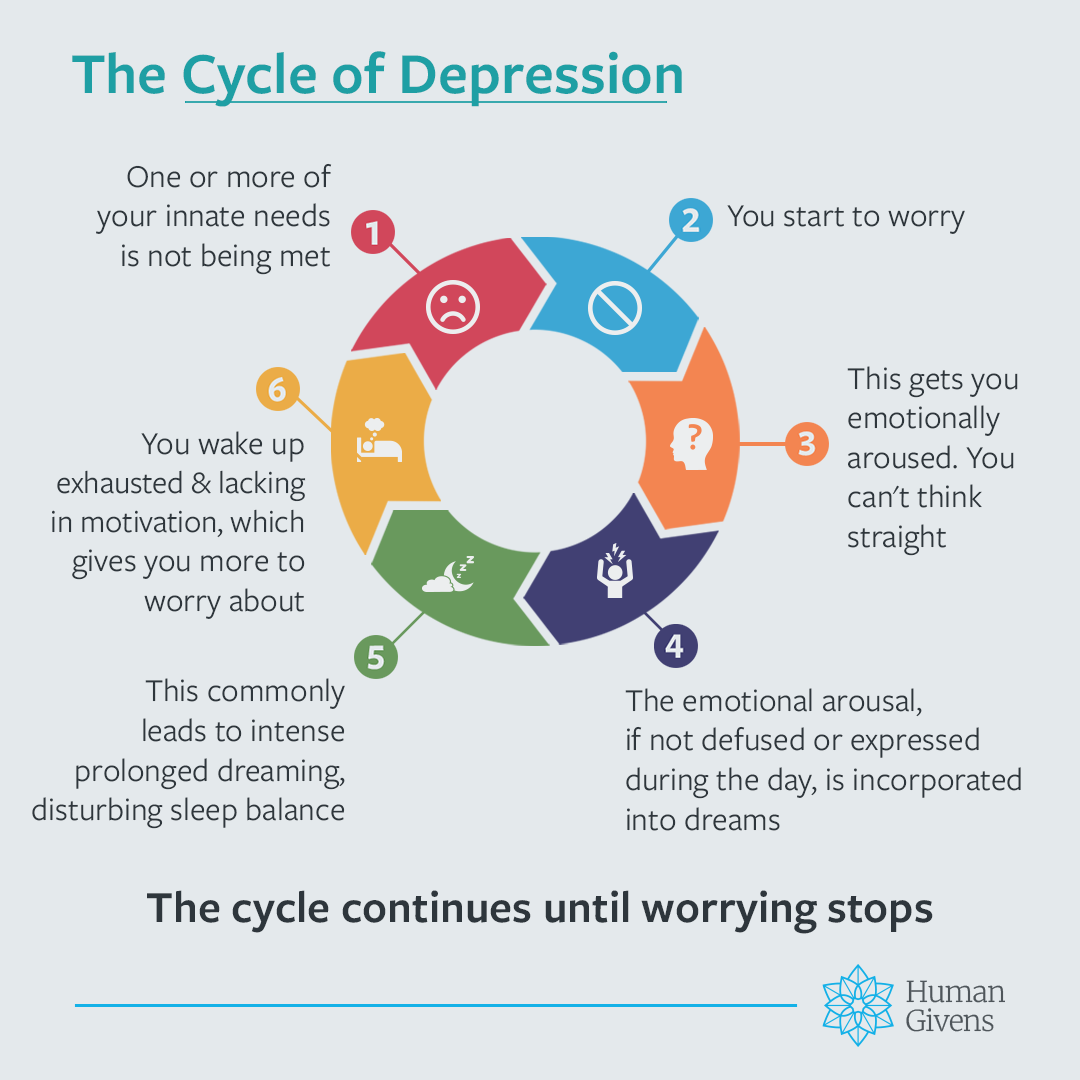
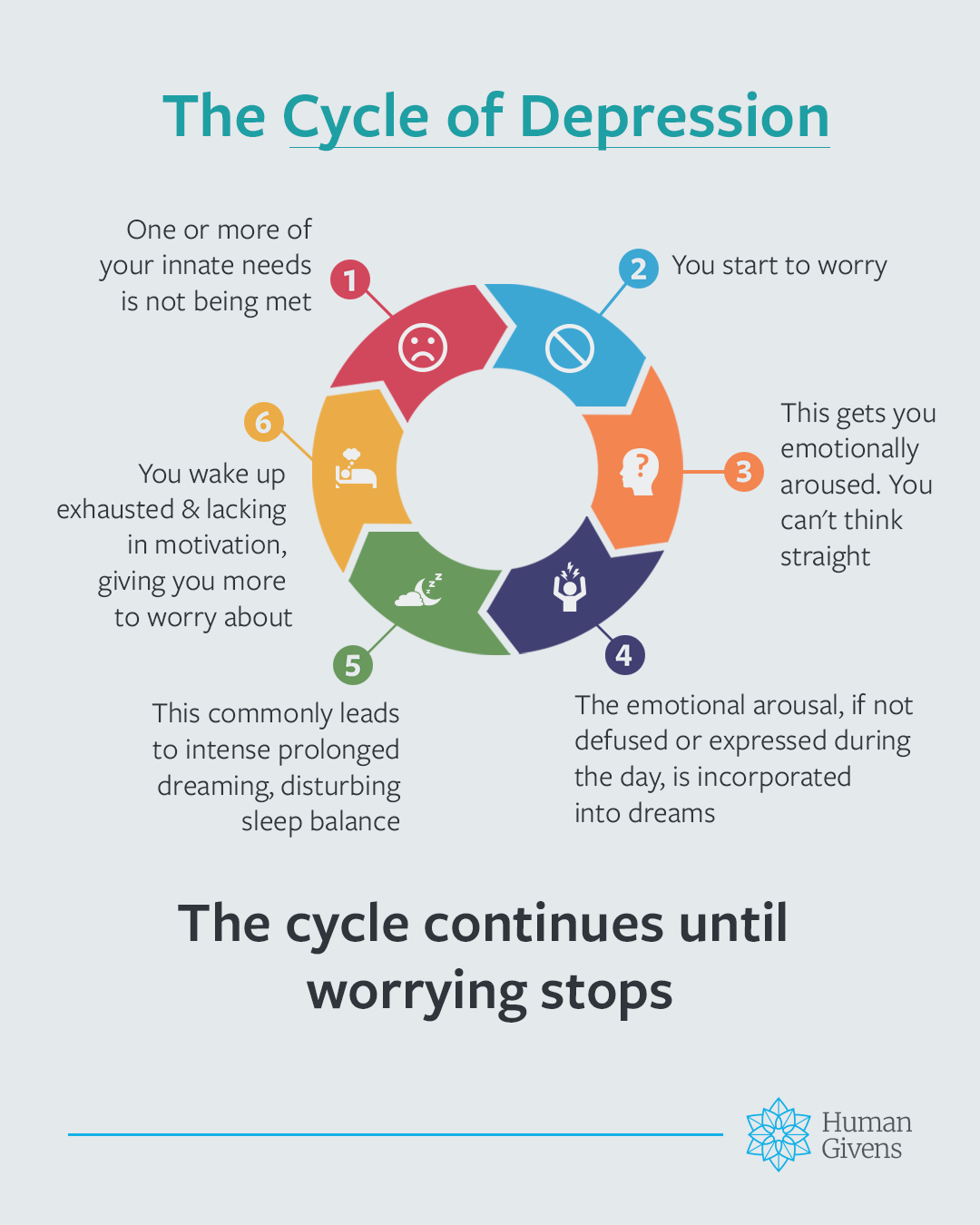
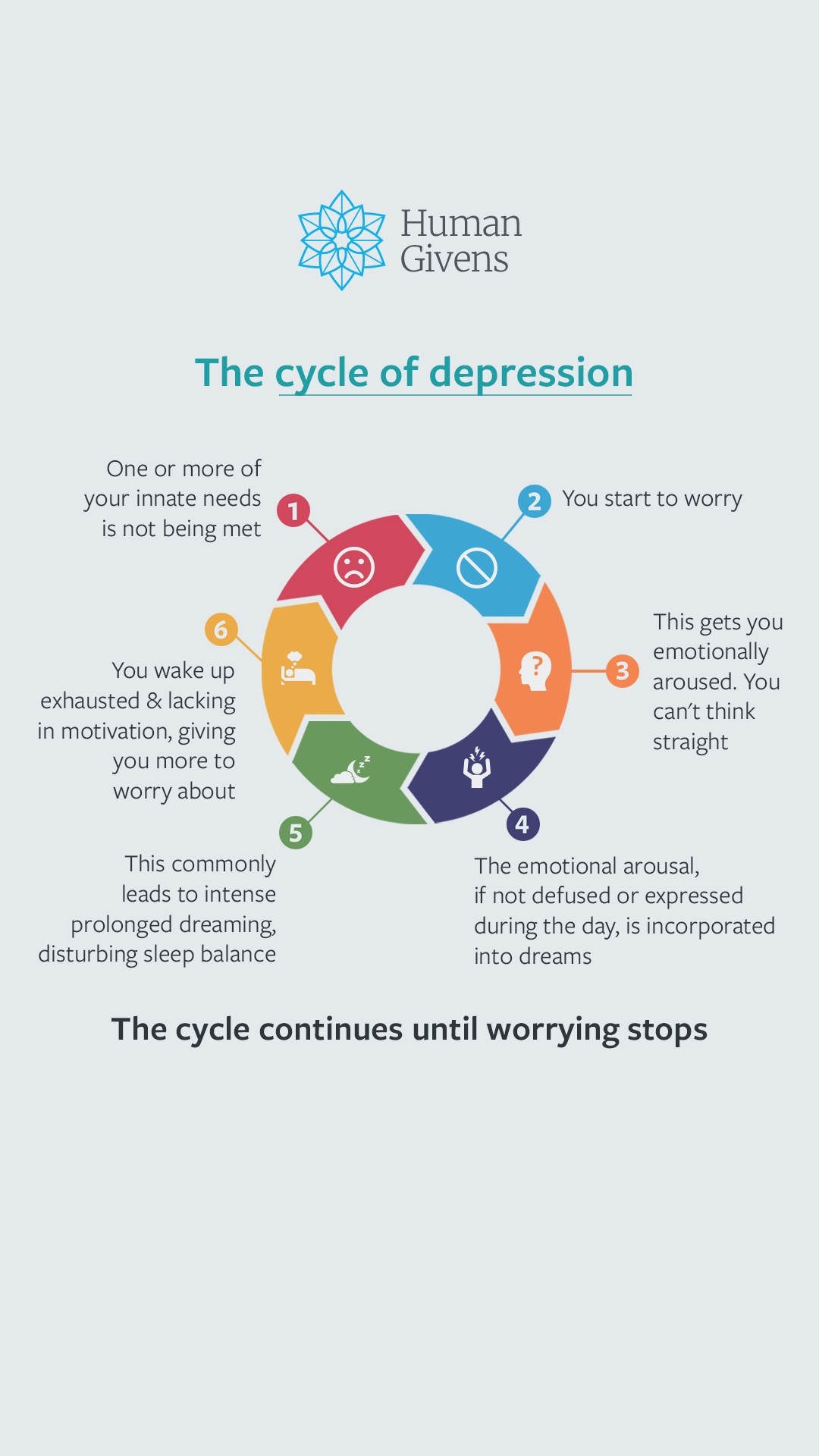
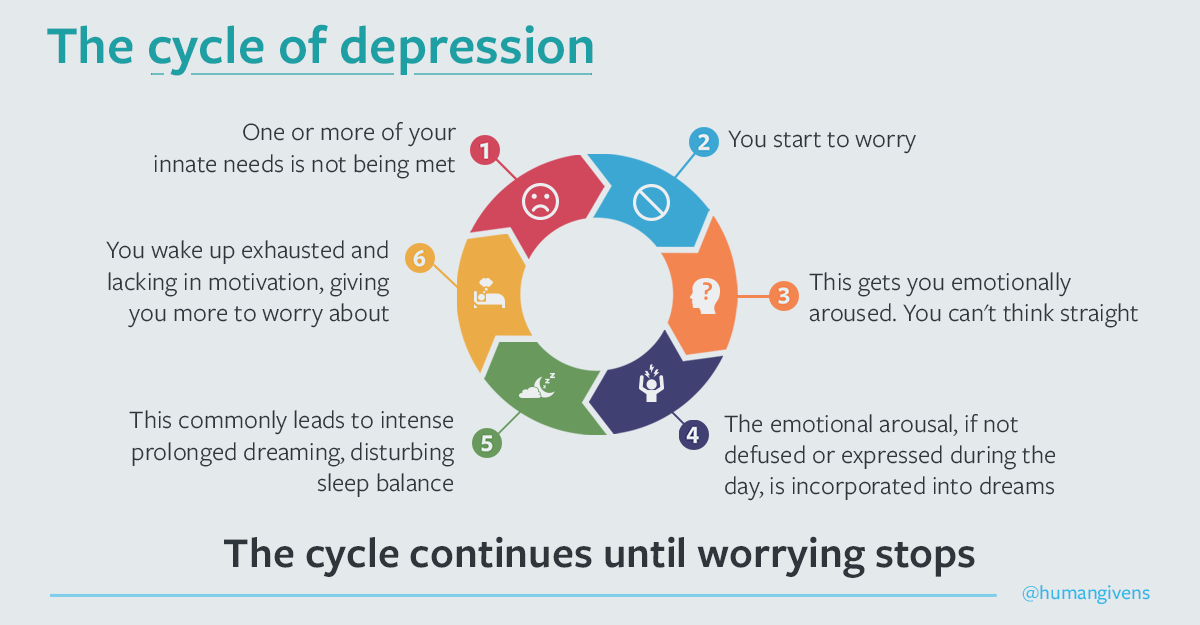
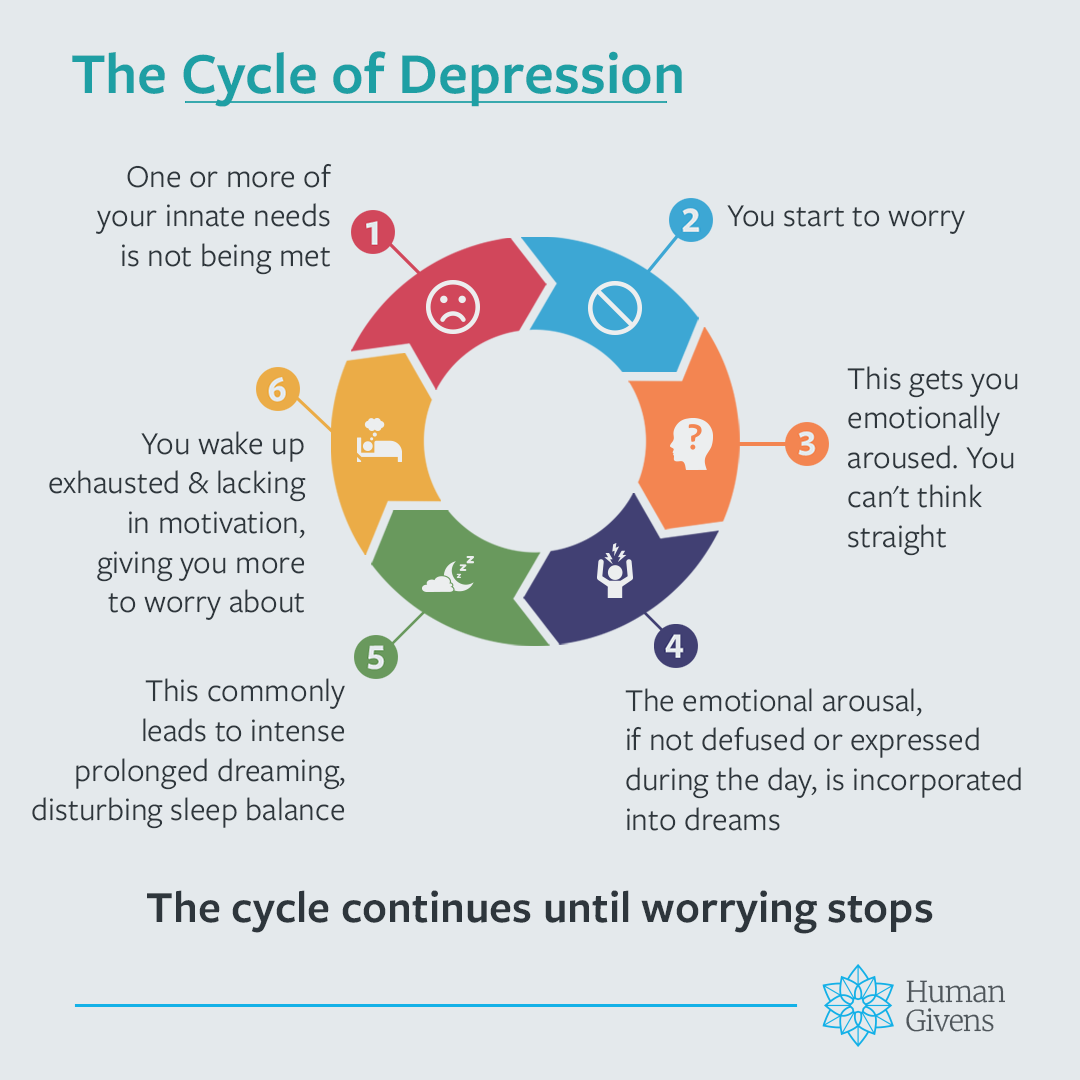
The Cycle of Depression graphic in the square format, 1080 × 1080 pixels The Cycle of Depression graphic in the portrait format, 1080 × 1350 pixels The Cycle of Depression graphic in the vertical format, 1080 × 1920 pixels The Cycle of Depression graphic in the rectangle format, 1200 × 625 pixels
Square · 1080 × 1080

Topics

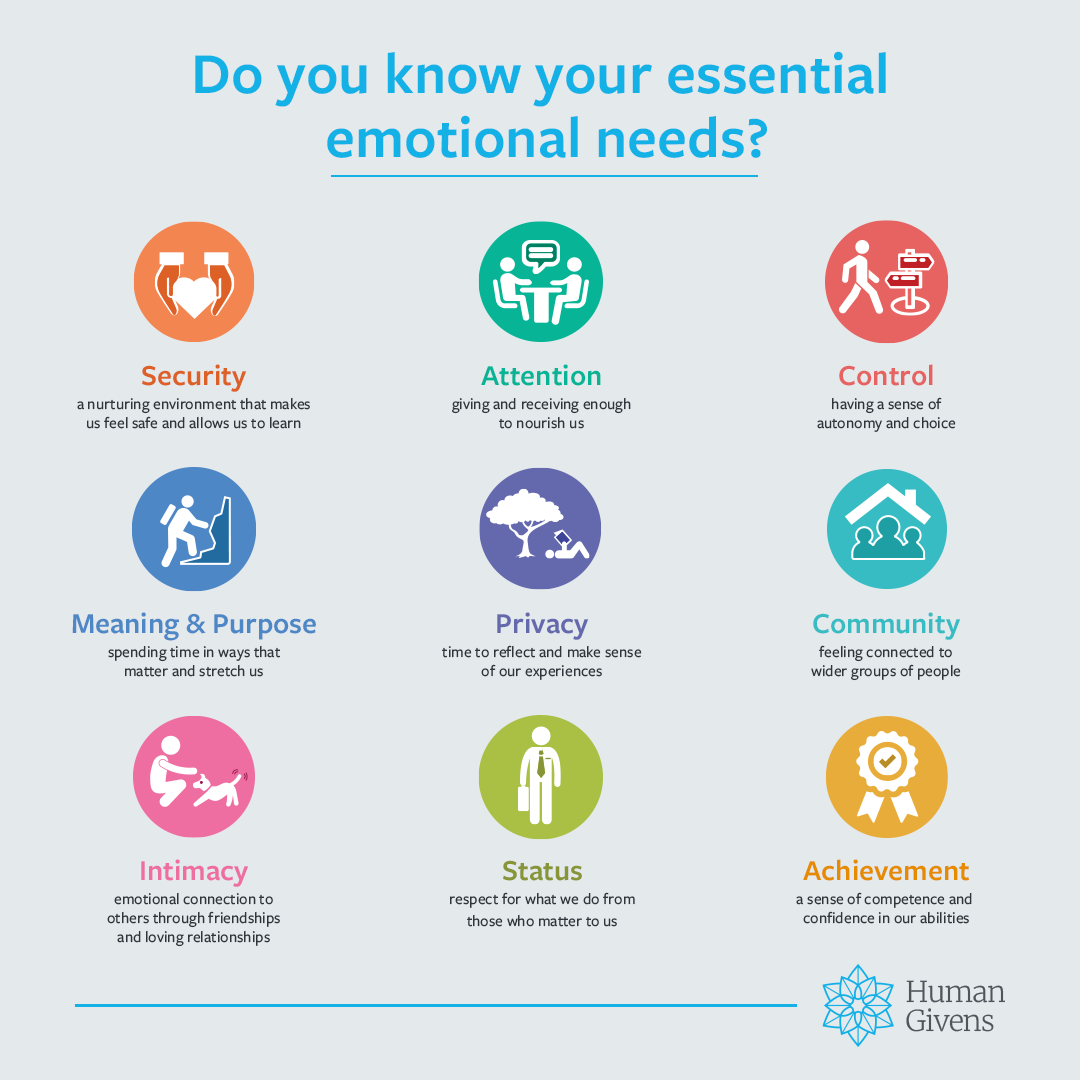
Every topic, one family.

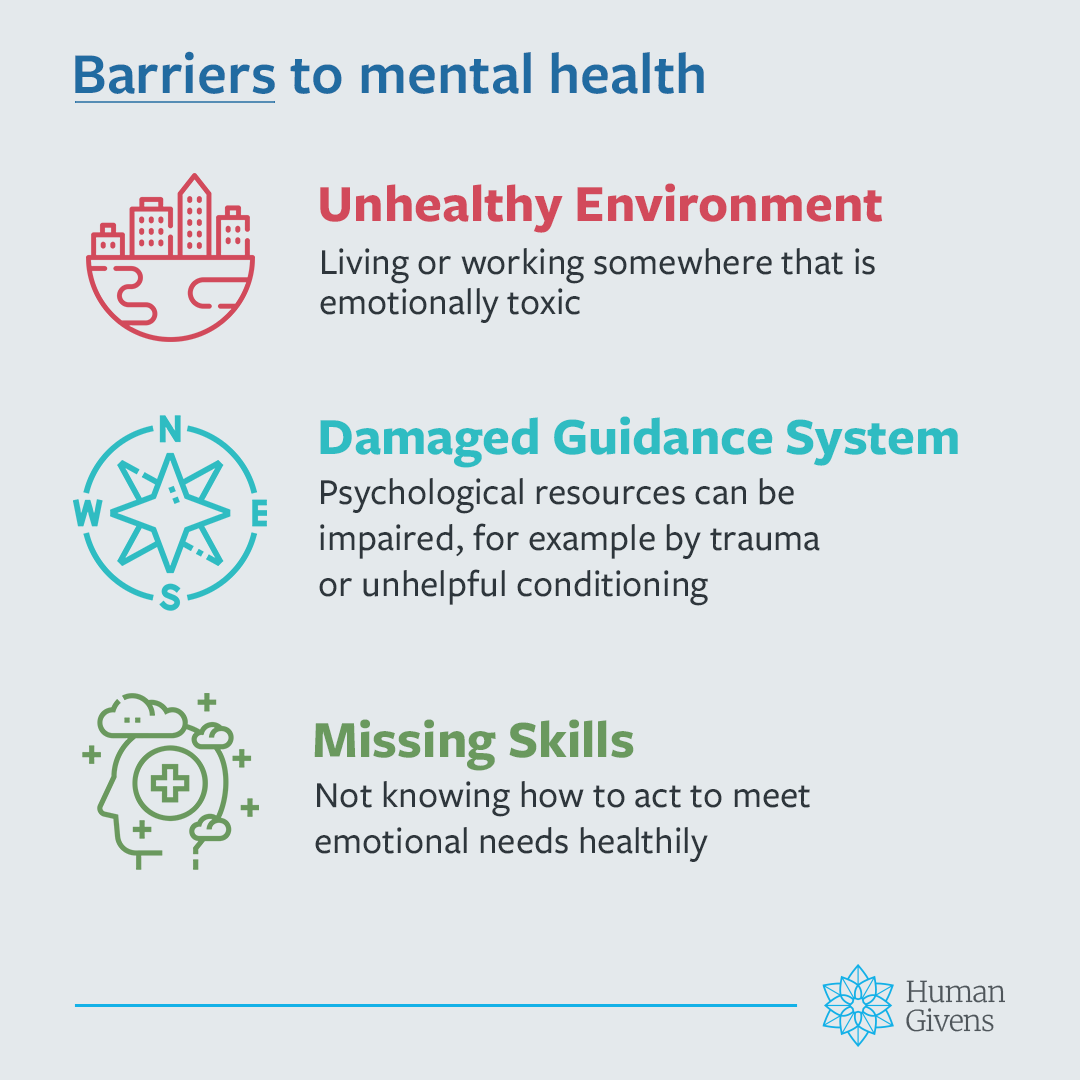
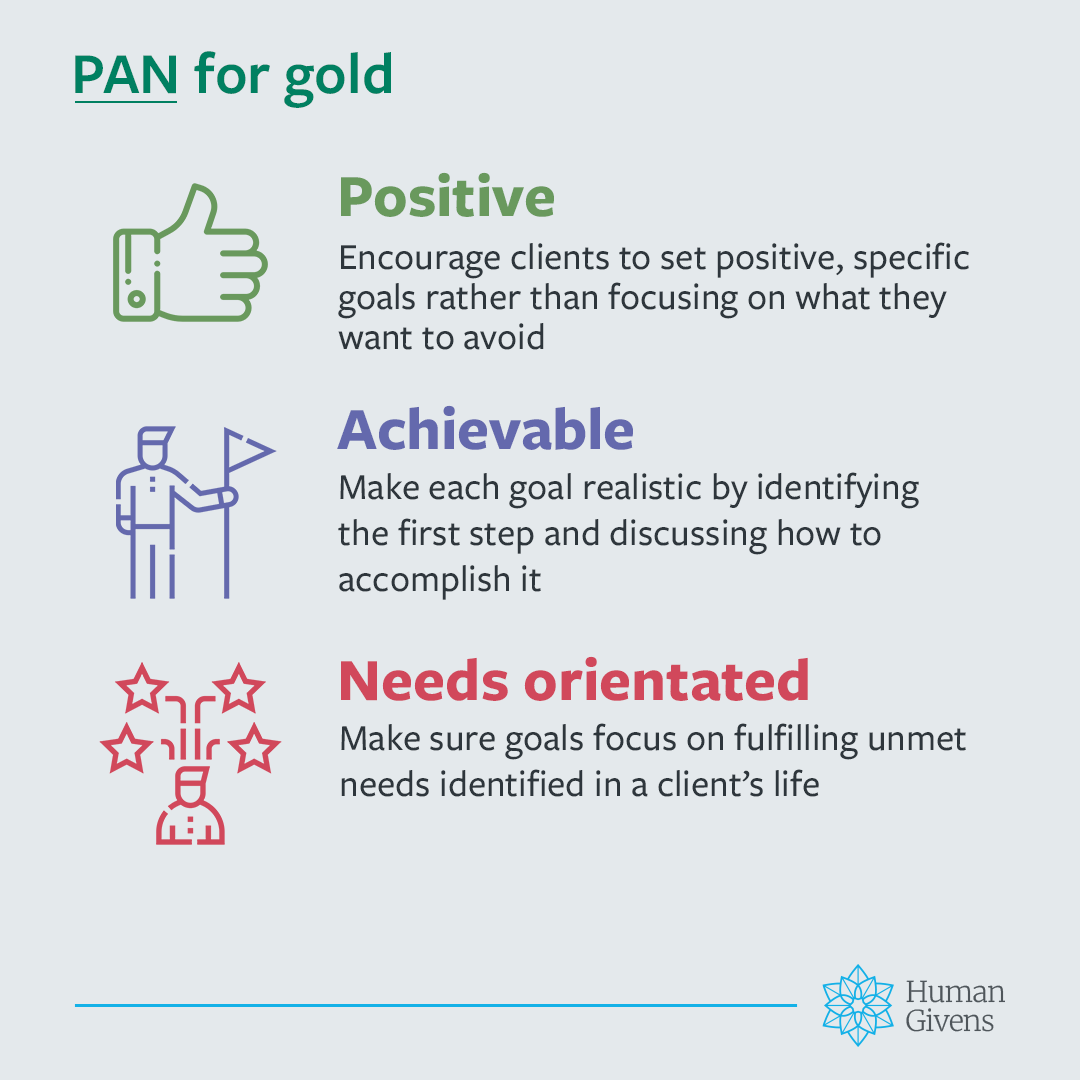
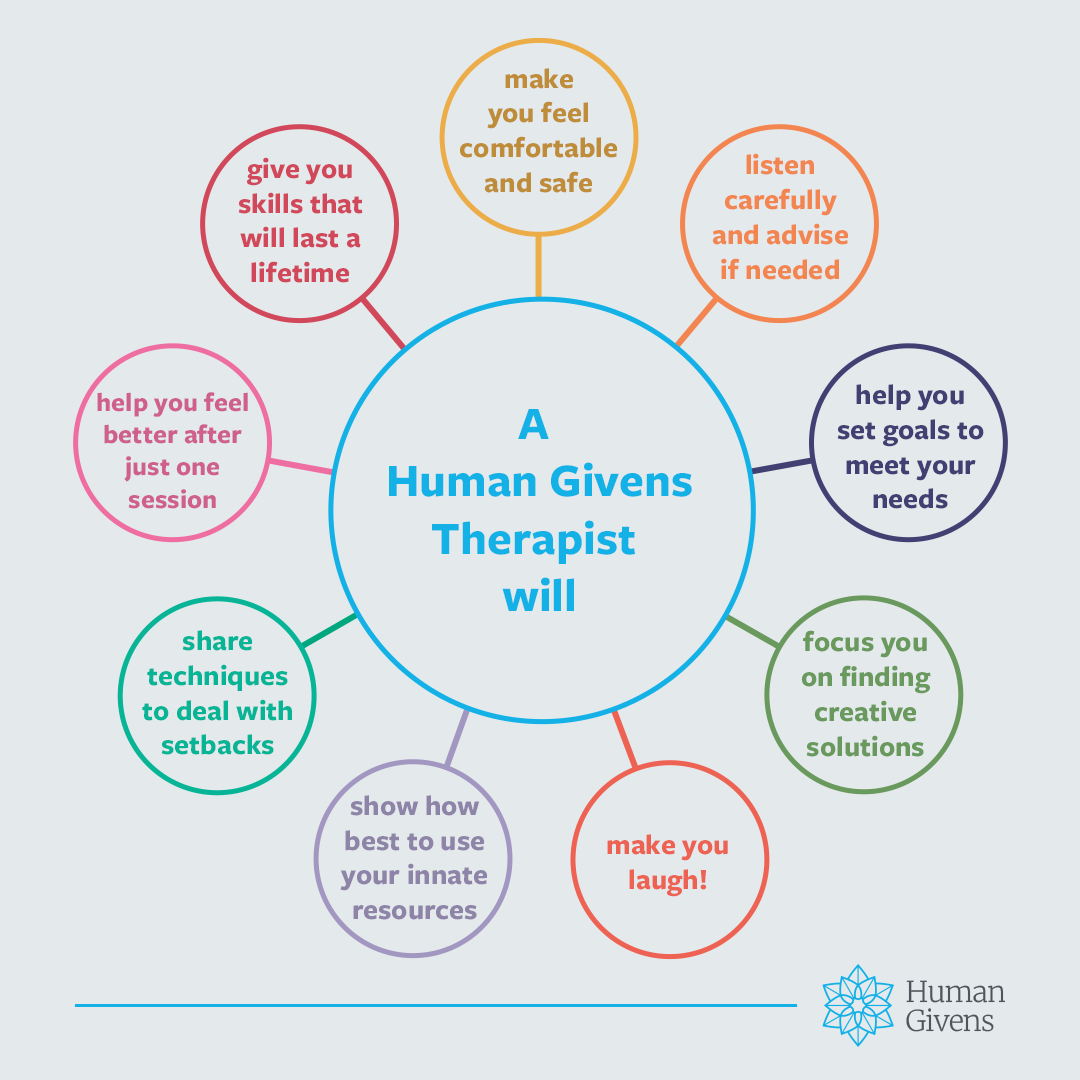
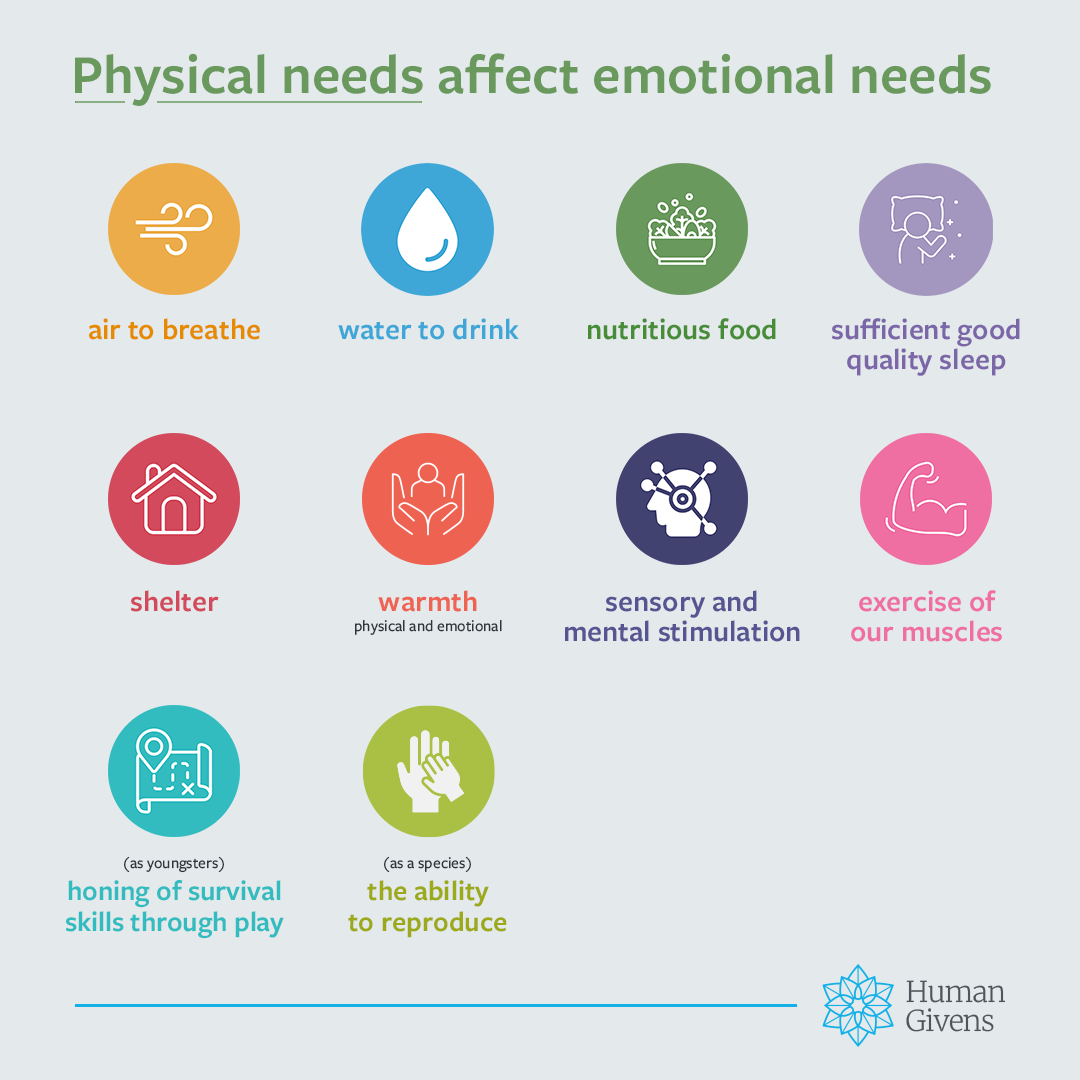
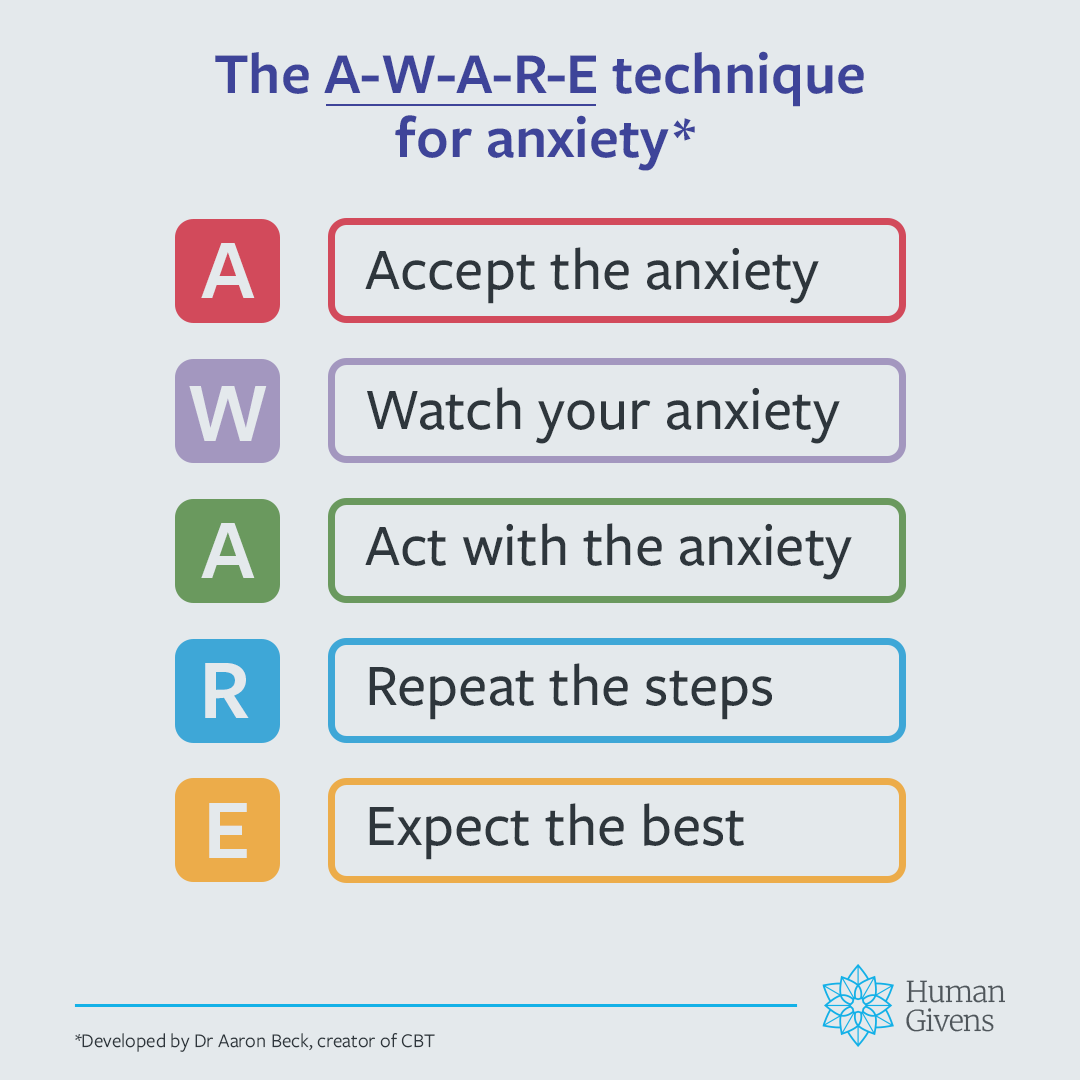
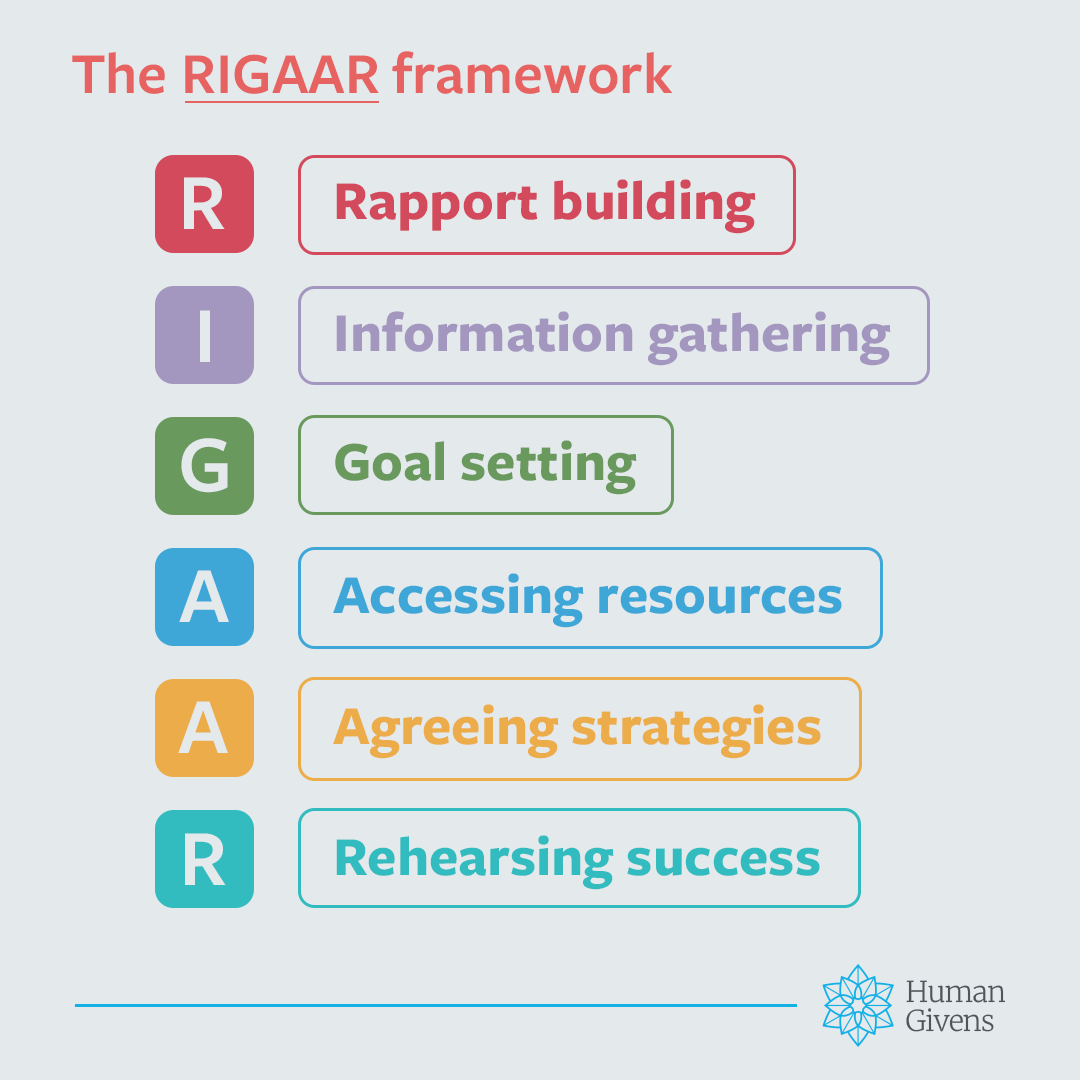
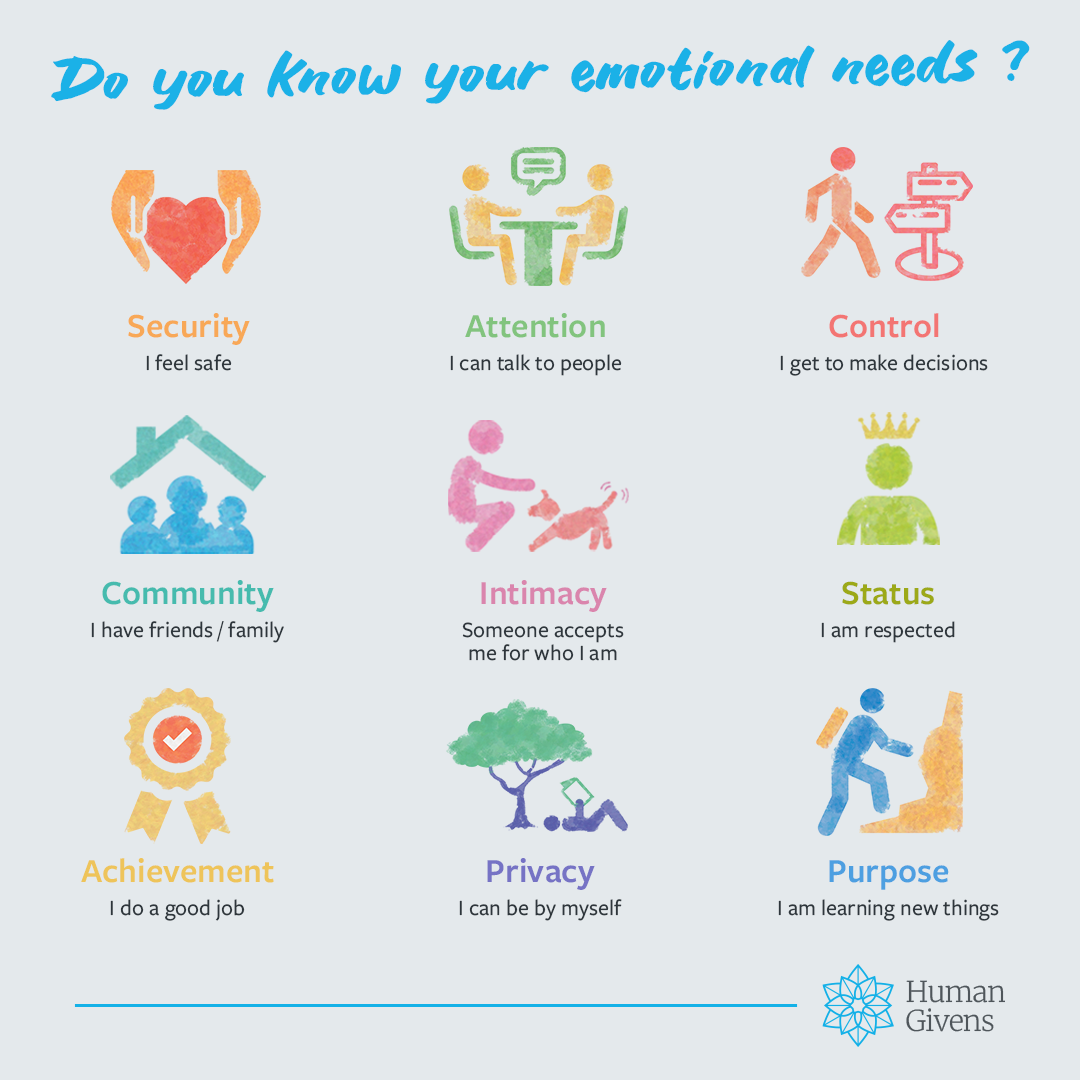
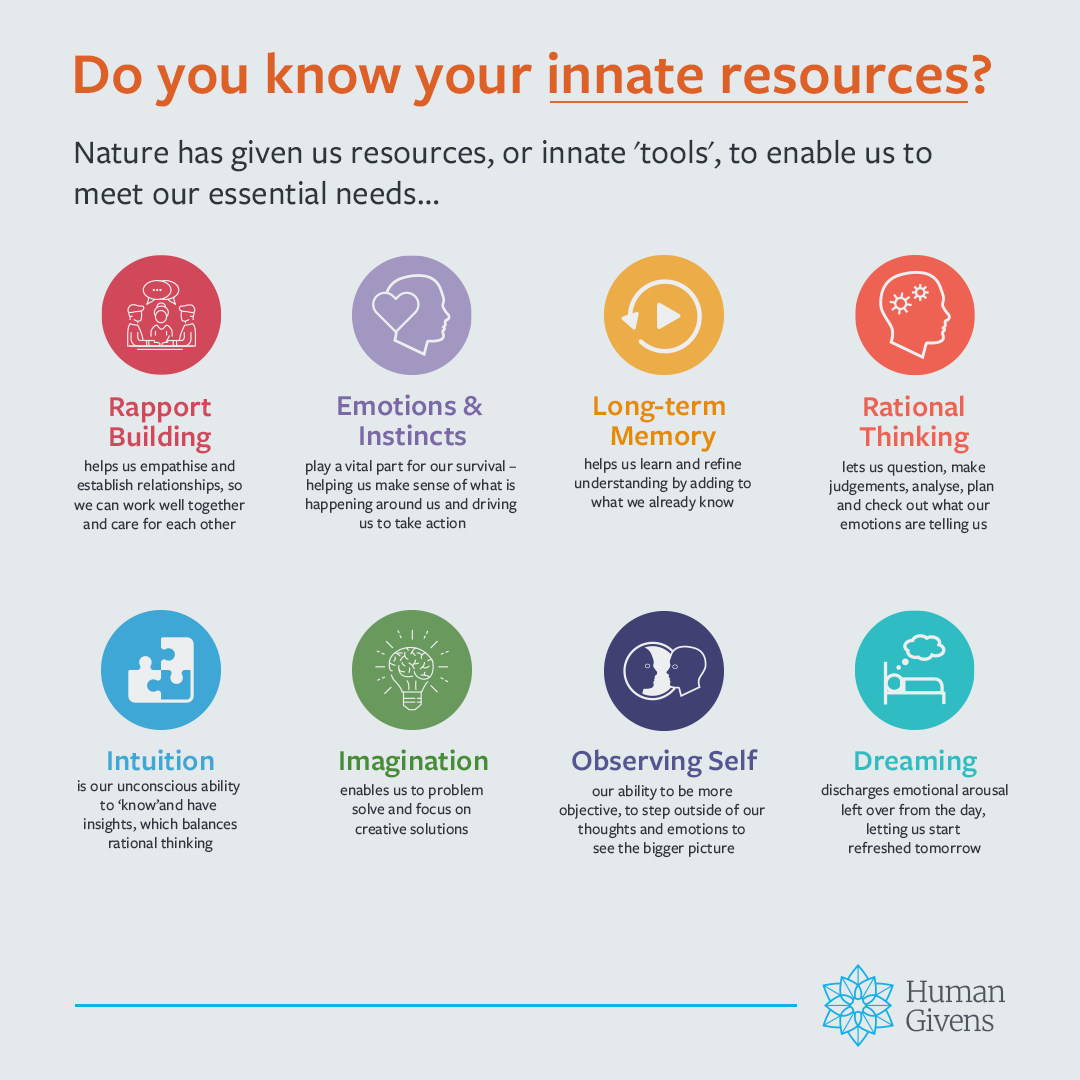
Topics are grouped by theme, from Emotional Needs to the Cycle of Depression, so therapists can quickly find the right content for their audience. I extended the Human Givens palette to give the graphics more variety, while keeping them recognisably on-brand.

Bice Blue
#216BA1
Carrot Orange
#E68B00
Coral
#F38551
Cyclamen
#EE6EA1
Fire Brick
#BE2025
Flame
#DD6127
Indian Red
#E66361
Hyundai
#E8AC3A
Jungle Green
#07B596
Marian Blue
#3E4499
Savoy Blue
#6469AD
Quinacridone
#A0215A
Silverlake Blue
#4D87C6
Verdigris
#36BBC2
Viridian
#008061
Moss Green
#879537
Rose Quartz
#A397BF
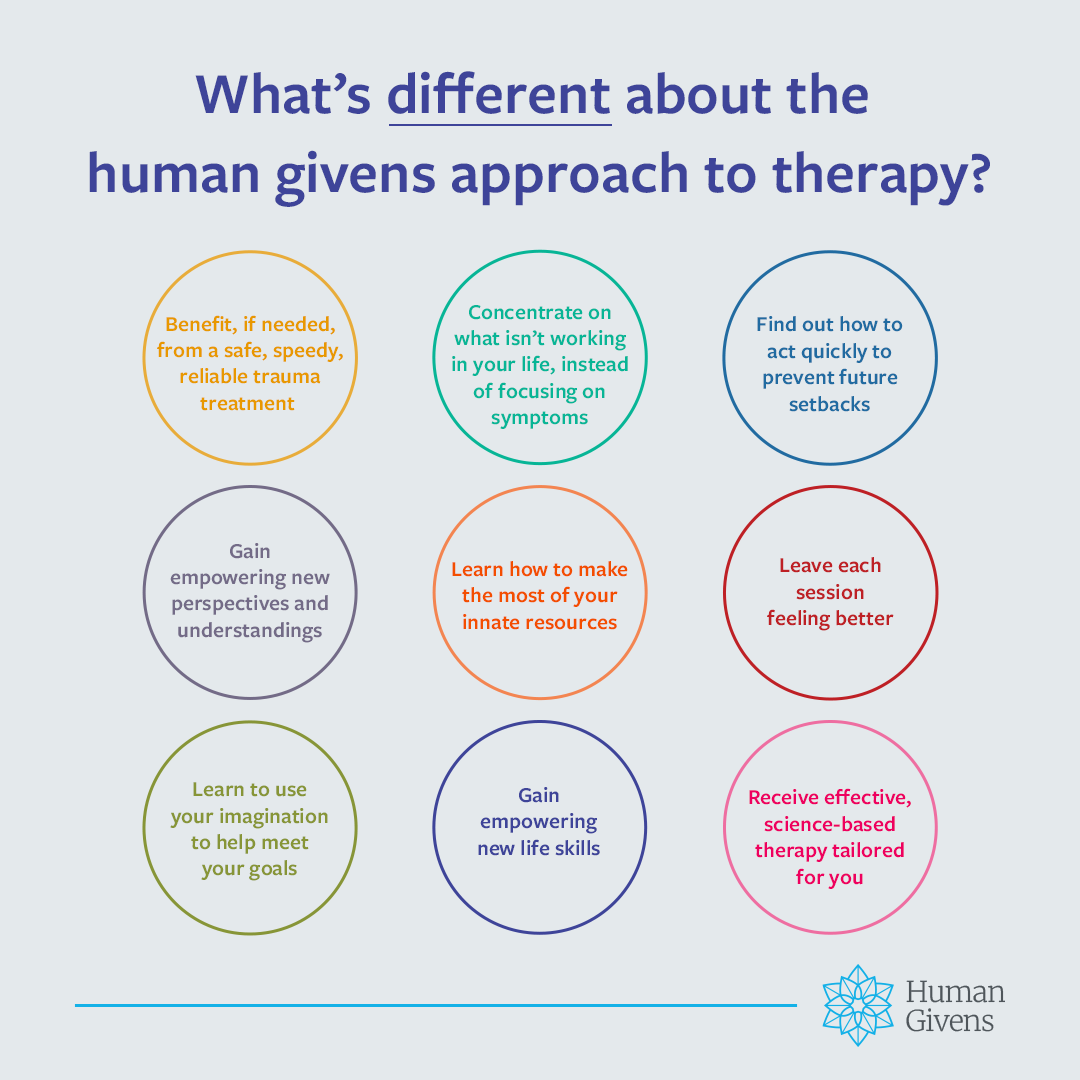
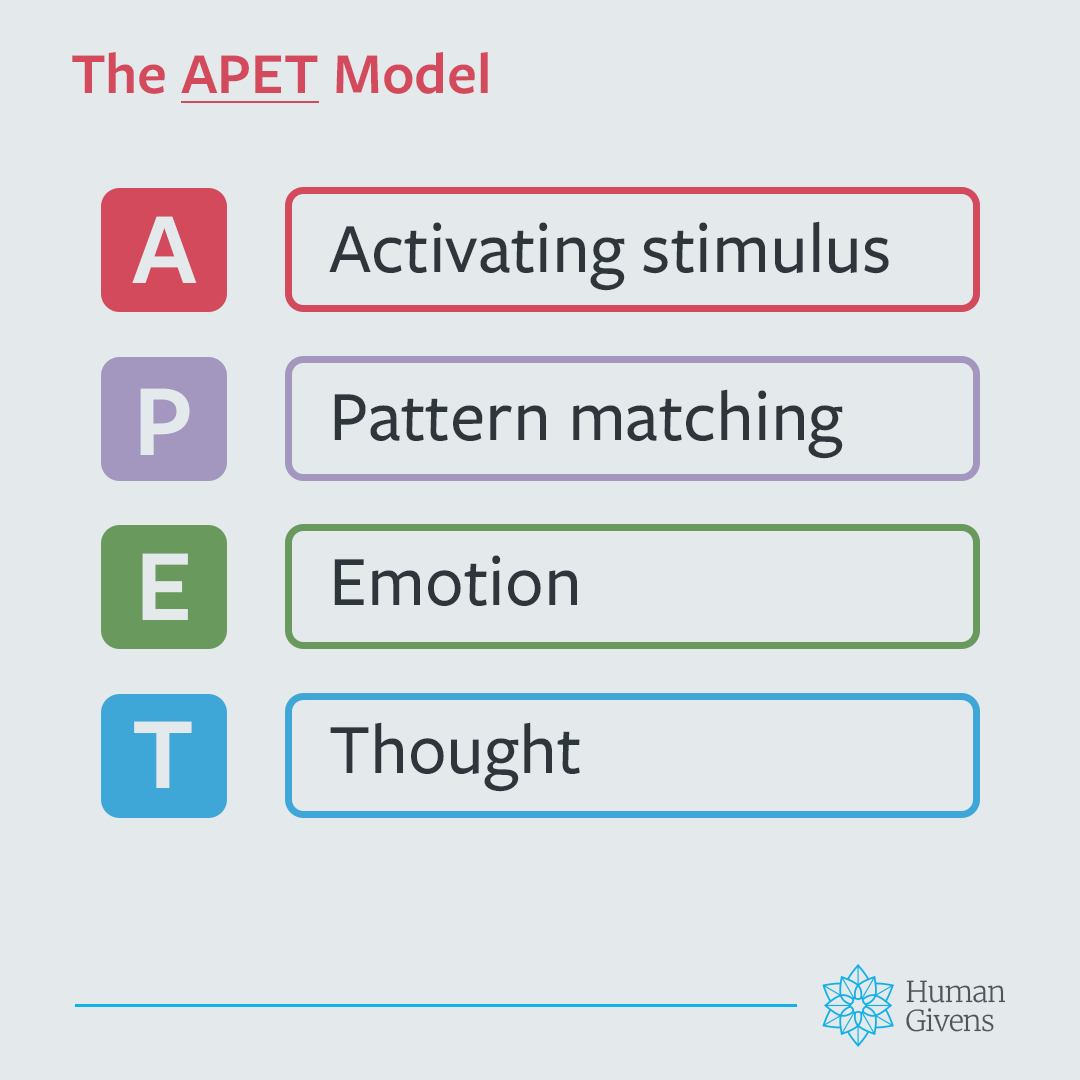
From the toolkit
Square format · 1080 px
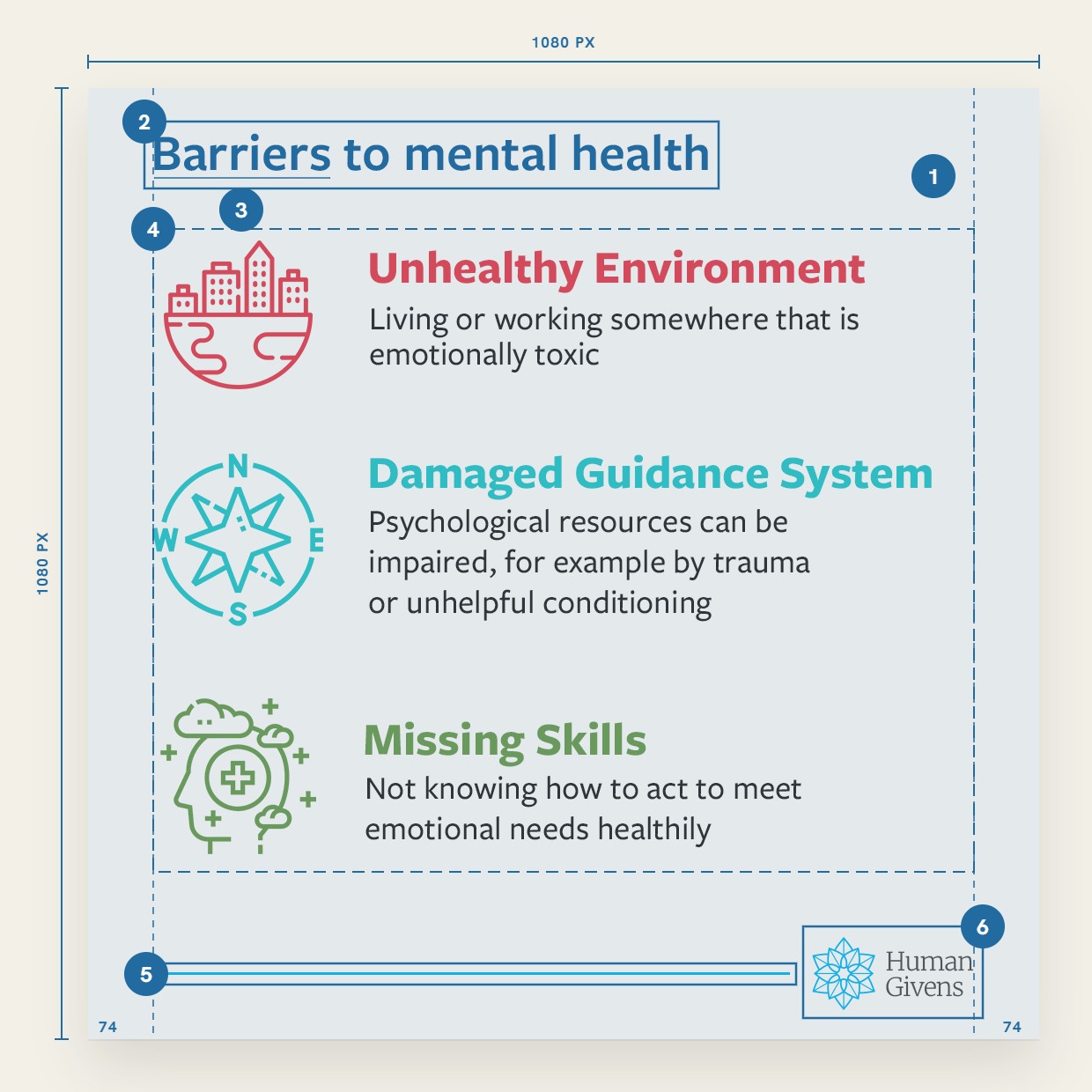
Template anatomy
Square format · 1080 px

One grid, every topic.

Every graphic sits on the same 1080 px square, so 100+ assets read as one family and adapt cleanly to the other three formats.

01

Ground

Tile grey #E4E9EC behind every graphic

02

Headline

Bold, set in the topic colour

03

Key phrase

Underlined in the same colour

04

Content

Diagram, list or icon grid, inside 74 px side margins

05

Footer rule

Human Givens blue, 4 px, from the left margin

06

Logo

Same size and position on every graphic

How it works

Designed to be used, not just viewed.

The graphics were half the job. Captions, supporting links and a Quick Start Guide sit alongside them, so posting takes four steps.

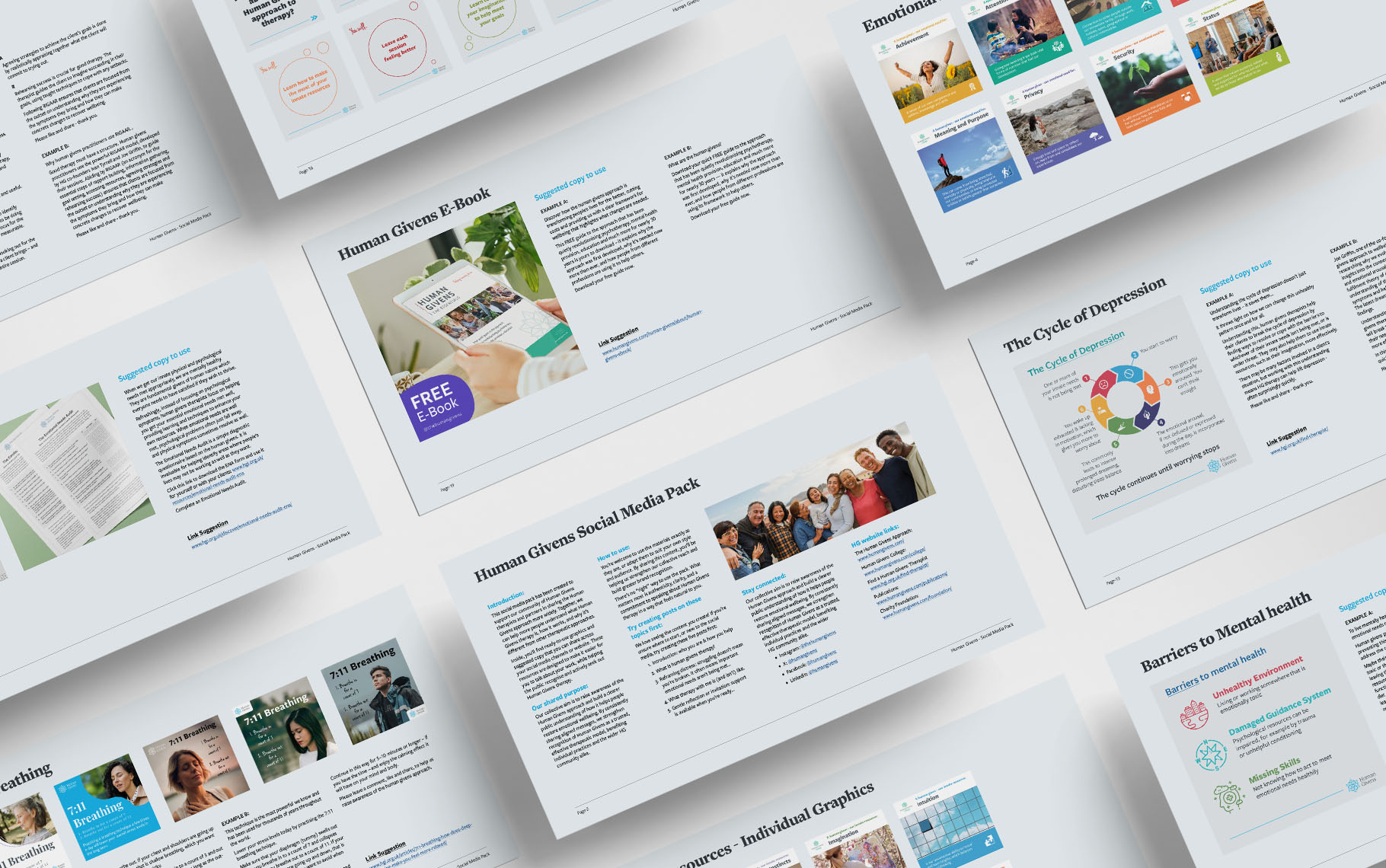
Quick Start Guide pages laid out at an angle, showing how the toolkit is organised

The Quick Start Guide

How the toolkit is organised
Which format suits which platform
Where to begin, with example posts
1

Pick a topic

Themes sorted for any audience.

2

Choose a format

The right shape for the platform.

3

Adapt the caption

Ready-written copy and links.

4

Publish

No design skills needed.

The test: someone who has never posted could open it and publish something useful within minutes.

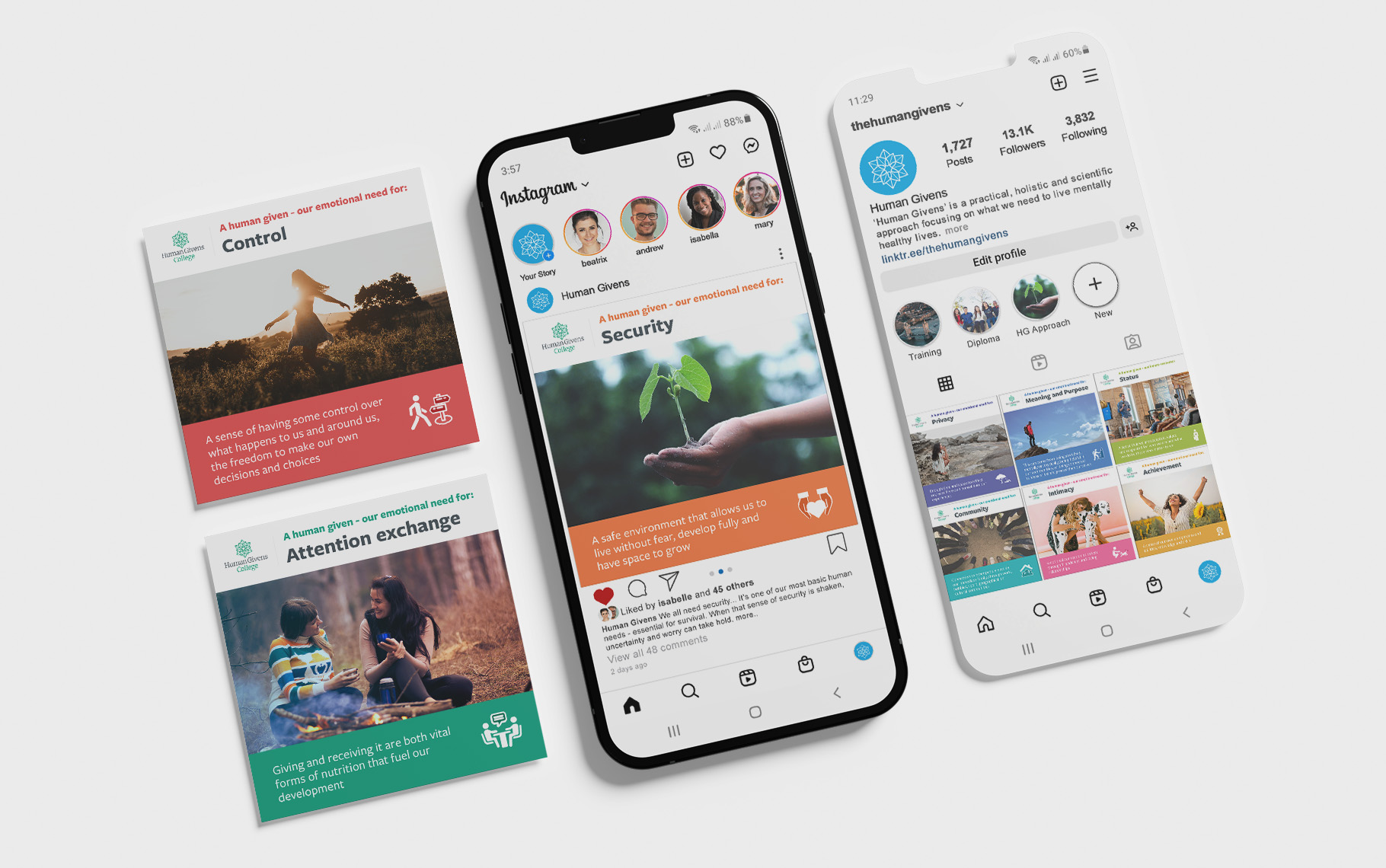
Toolkit graphics as Instagram posts, with two phones showing them in a feed and on a profile grid

Results

Approved, launched, asked for.

Six stakeholders across marketing, editorial and senior leadership fed in; keeping 100+ assets consistent through every round was half the work. It went live in the members area in early 2026.

100+

ready-to-post files

4

formats across the toolkit

6

stakeholders, one sign-off
Beyond the brief
Weeks after launch, a partner organisation’s CEO found the toolkit in a members’ email and asked to use it with his own communications team.
Next case study
Campaign design · Event · Video